Revolve is a one-day consulting conference run by Axis Consulting at SFU, connecting about 40 students with 30+ industry professionals.
As Director of Design, I set the art direction for the event and built a Figma plugin that generated every name tag from the registration list.
Art Direction
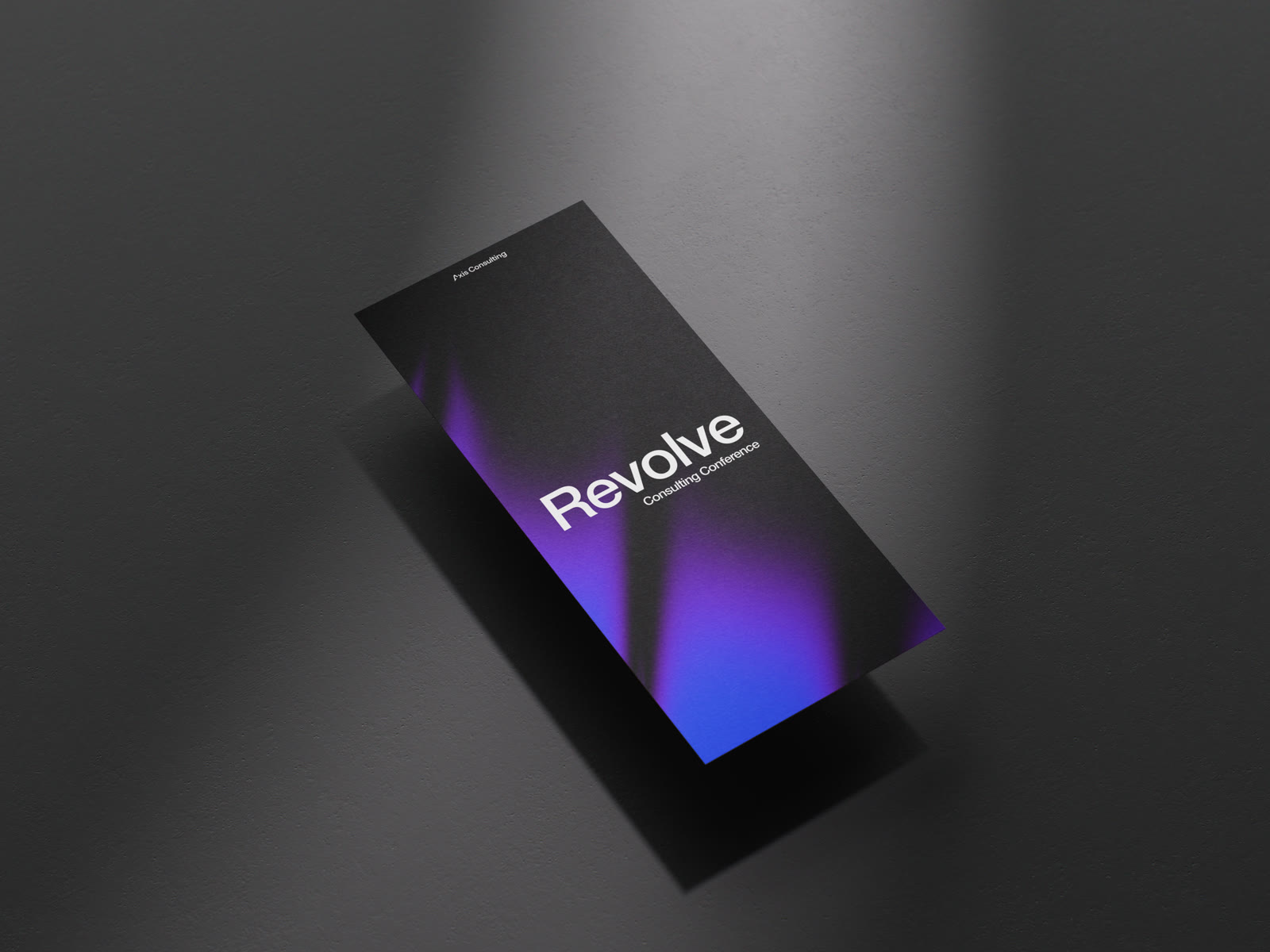
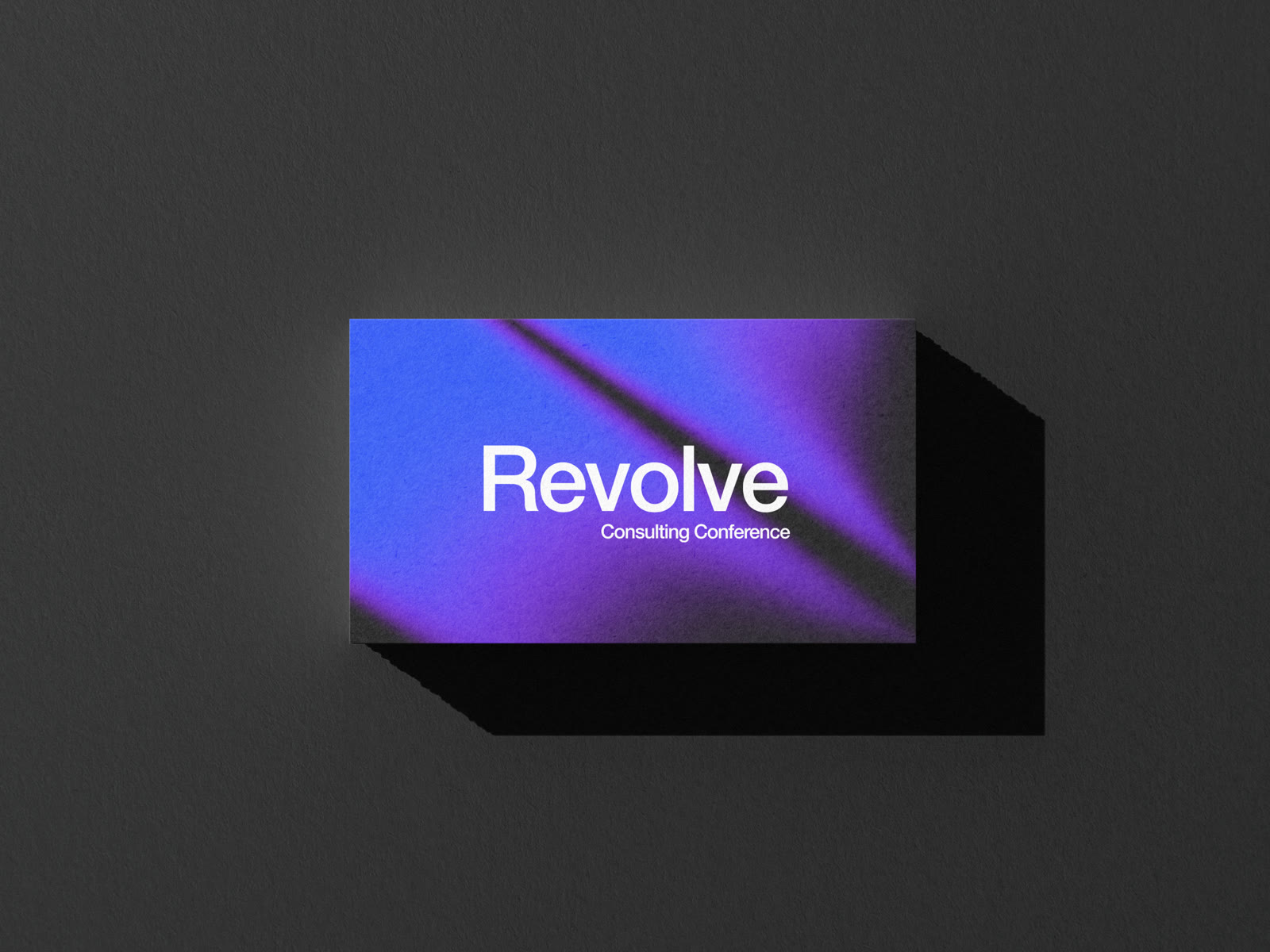
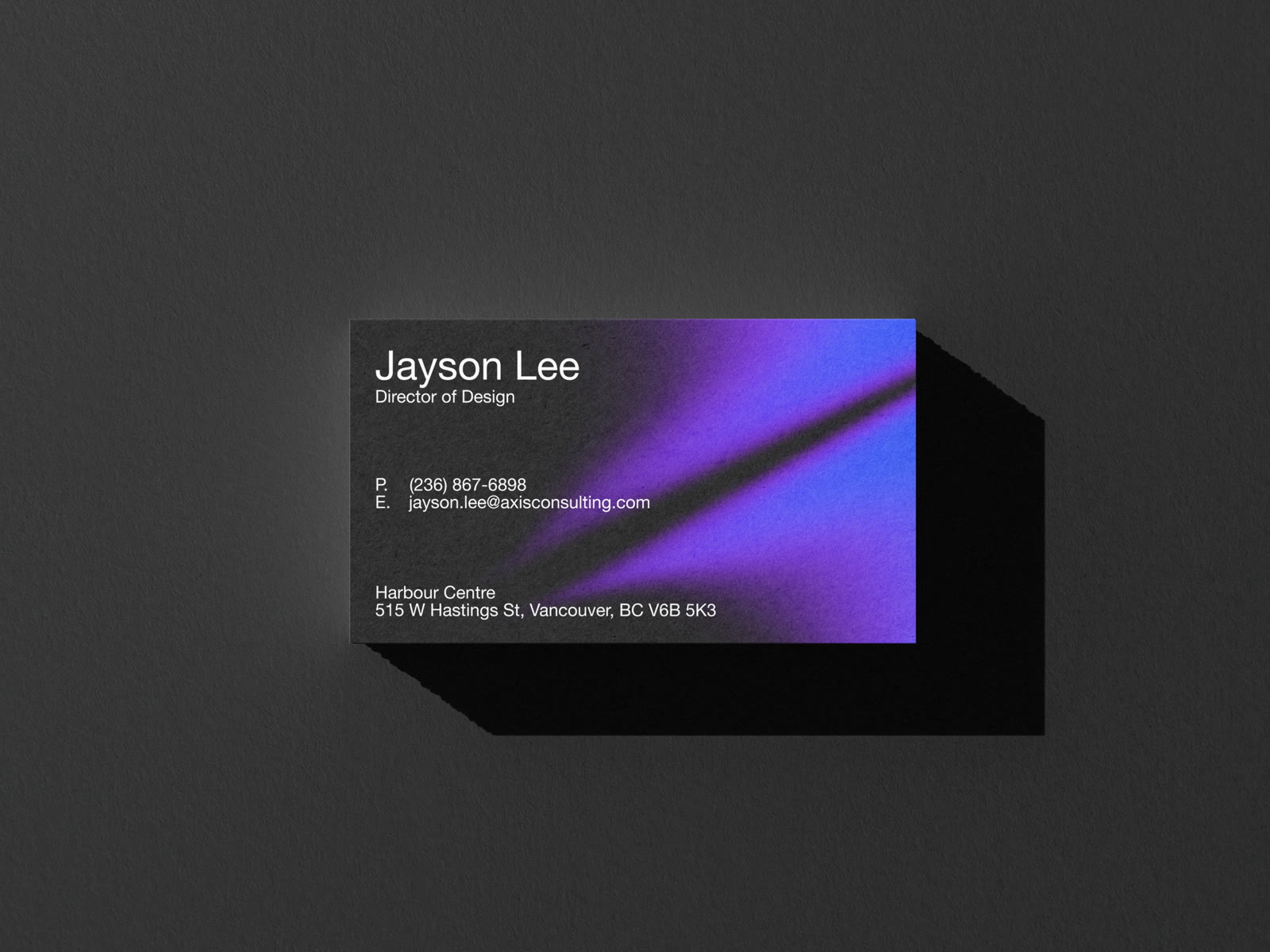
Give the event one look that every coordinator could use, across slides, social posts, table cards, name tags and print.
I set the direction: glass gradients on near-black, influenced by K Intelligence. I made the fluted glass texture in Paper and wrote down the settings, so anyone on the team could reproduce it.
Colour by Role
Each group got a pair of colours, used everywhere that role showed up, starting with the name tags.
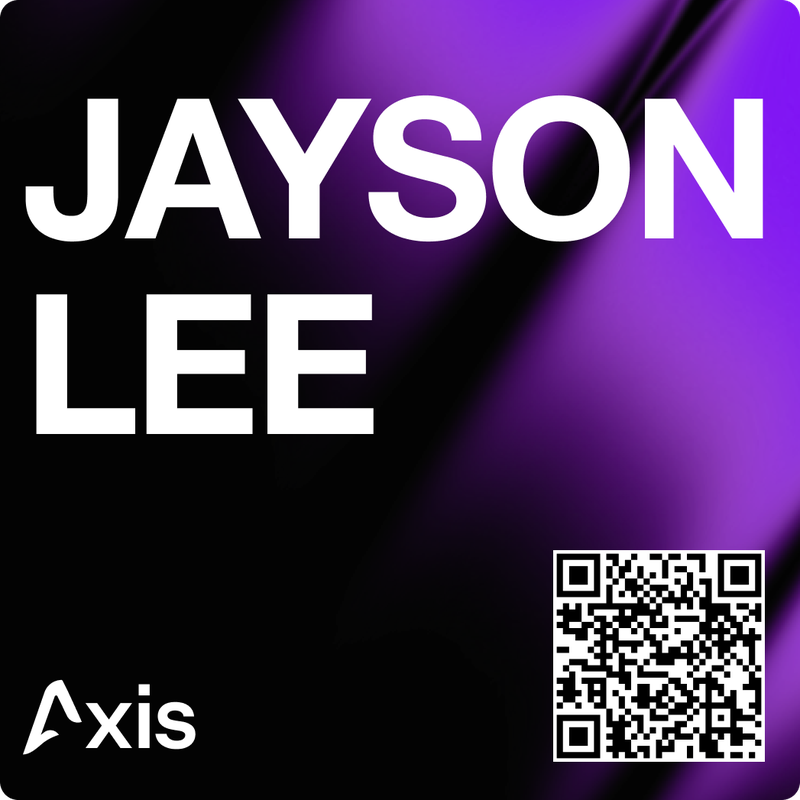
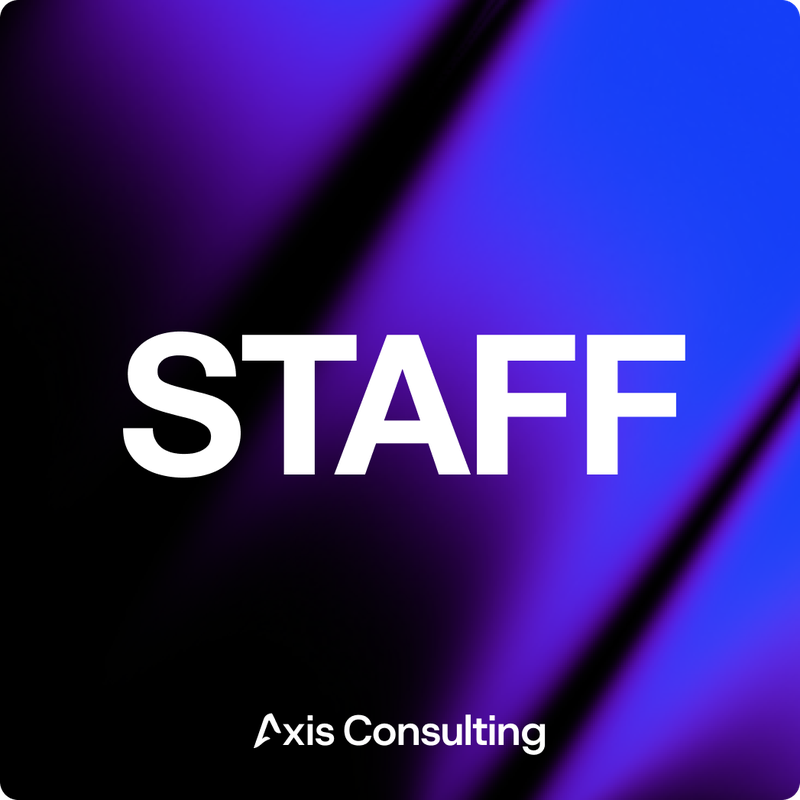
Name tags: mine, with a QR code, and the staff tag.
The Plugin
Every tag needed a name, a role and that role’s colour. Professionals also needed a QR code to their LinkedIn, so students could connect after a conversation. The plan was for five coordinators to make them by hand, for a registration list that kept changing up to the week of the event.
I don’t write code. I described what the plugin needed to do, built it with AI assistance, and tested it until it worked: about 900 lines, split between a TypeScript side that clones the template in Figma and an interface that reads the spreadsheet with SheetJS and draws each QR code.
- Select a name tag template in Figma.
- Pick which layers become the name, the role and the QR code.
- Upload the registration spreadsheet and match its columns.
- Choose Basic mode for every name on the list, or Advanced mode to keep only confirmed attendees, add roles and QR codes, and group tags under a heading for each company.
- Set the columns and spacing, and the plugin lays the finished tags out in a grid.
Each change to the list meant re-running the plugin, not redoing tags. Advanced mode only took rows marked “yes”, so a cancellation was a one-cell edit. Grouping by company also turned placing firm logos into a batch job.
Key Learnings
- Build the tool when the work repeats. Re-running the plugin every time the list changed beat redoing tags by hand.
- Close the last manual step. The spreadsheet still had to be downloaded from the registration form before every run. Next time, I’d connect the plugin to the form’s export directly.
- Stay flexible on timelines. Deadlines got pushed up more than once, so I had to be ready to speed up without letting the work slip.
- Communicate ideas clearly, and be ready when my coordinators need me. Five people working in parallel only stays on track if direction is clear and someone answers questions quickly.
This is just a snapshot of the design process.
Reach out to jaylee2402@gmail.com for the full story.
Next
Uber Eats vs DoorDash
Usability Testing · A/B Experiment · 2026